Minerva
Plan projects, work as a team, find and award work. Agents take over the routine; you set the goals and keep the overview. Minerva runs in the browser, on your machine or on your own server – and opens no outbound connection on its own.
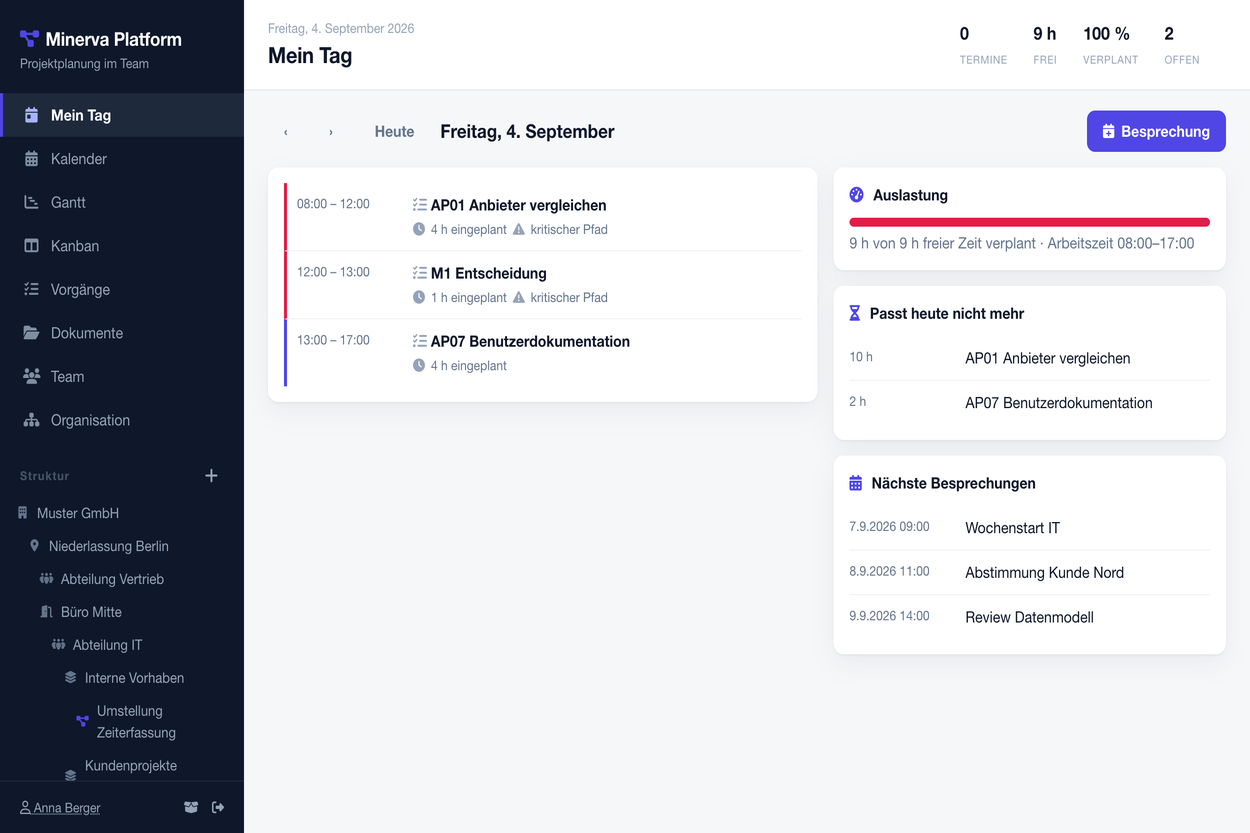
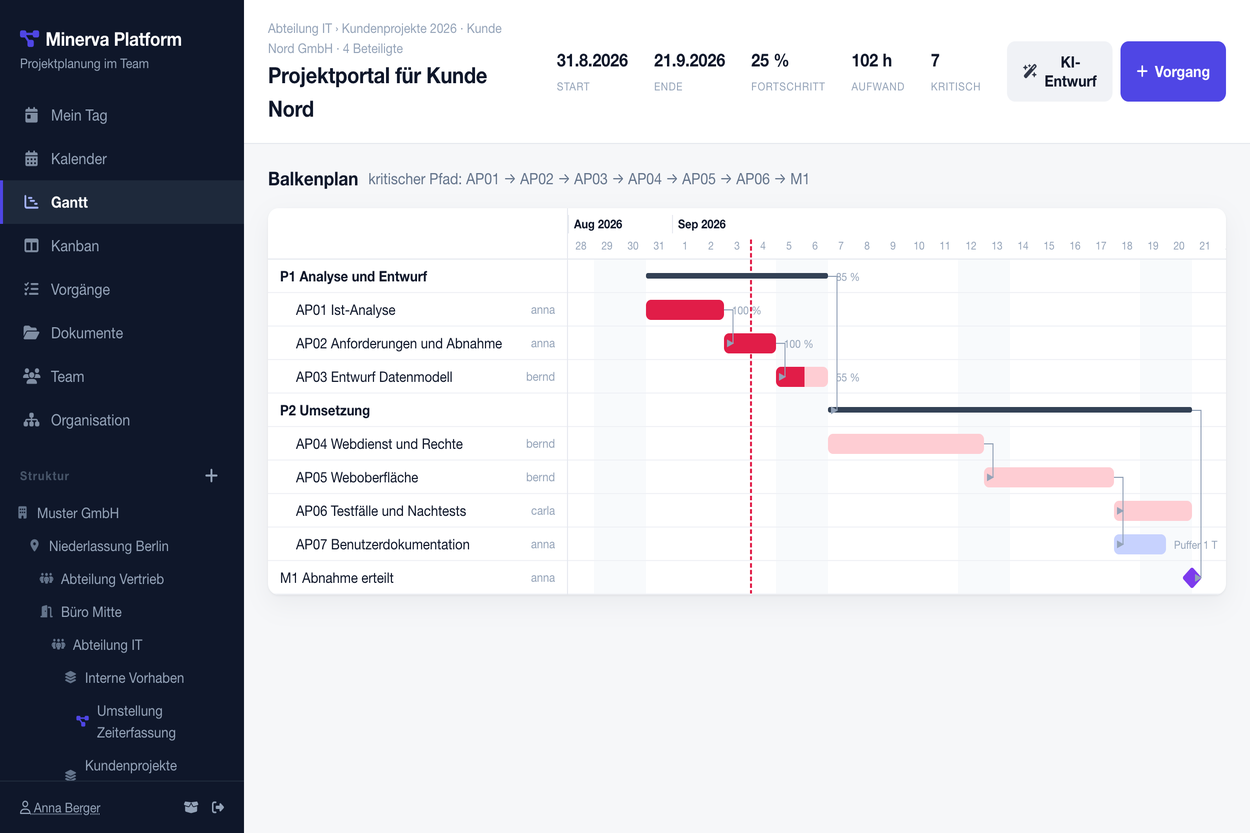
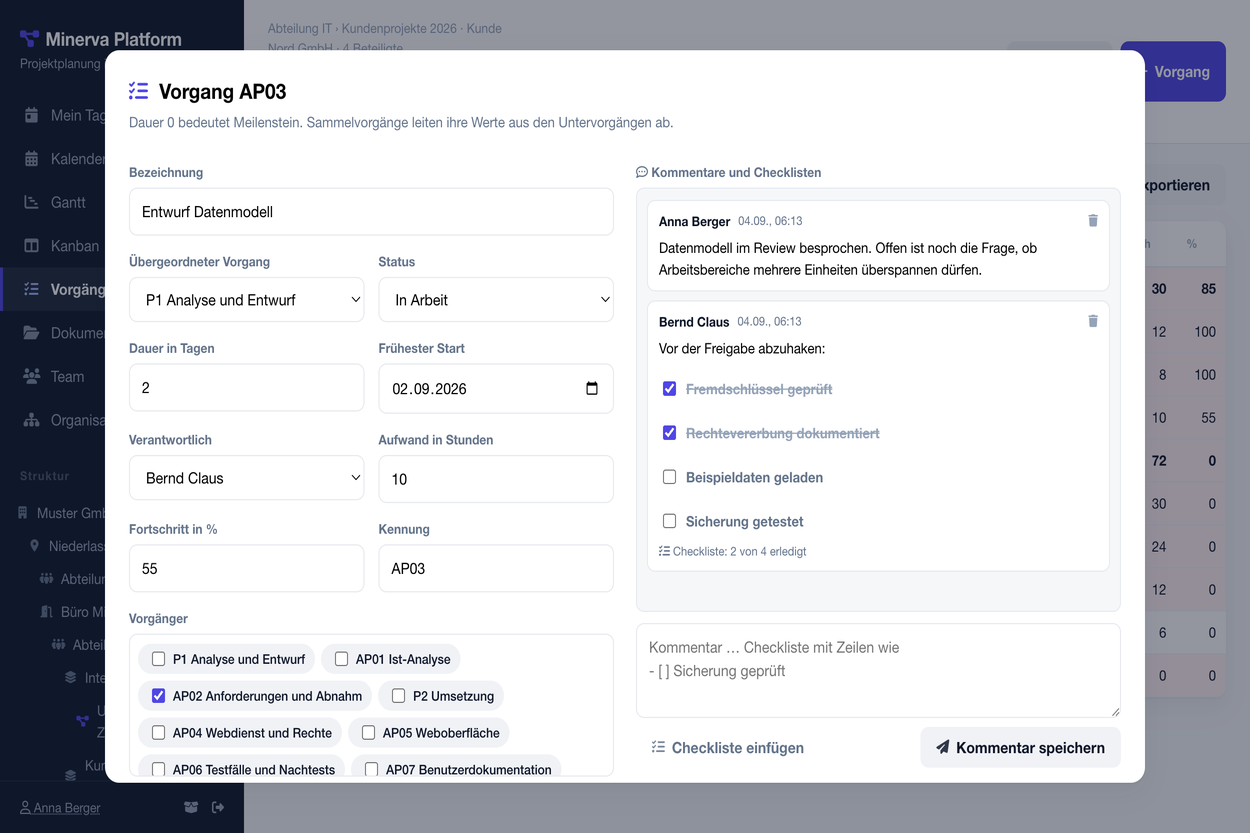
Calendar across all projects, Gantt chart with critical path and slack, Kanban with drag and drop, task list as a table. Minerva computes the dates itself: whoever moves a task sees at once what follows.
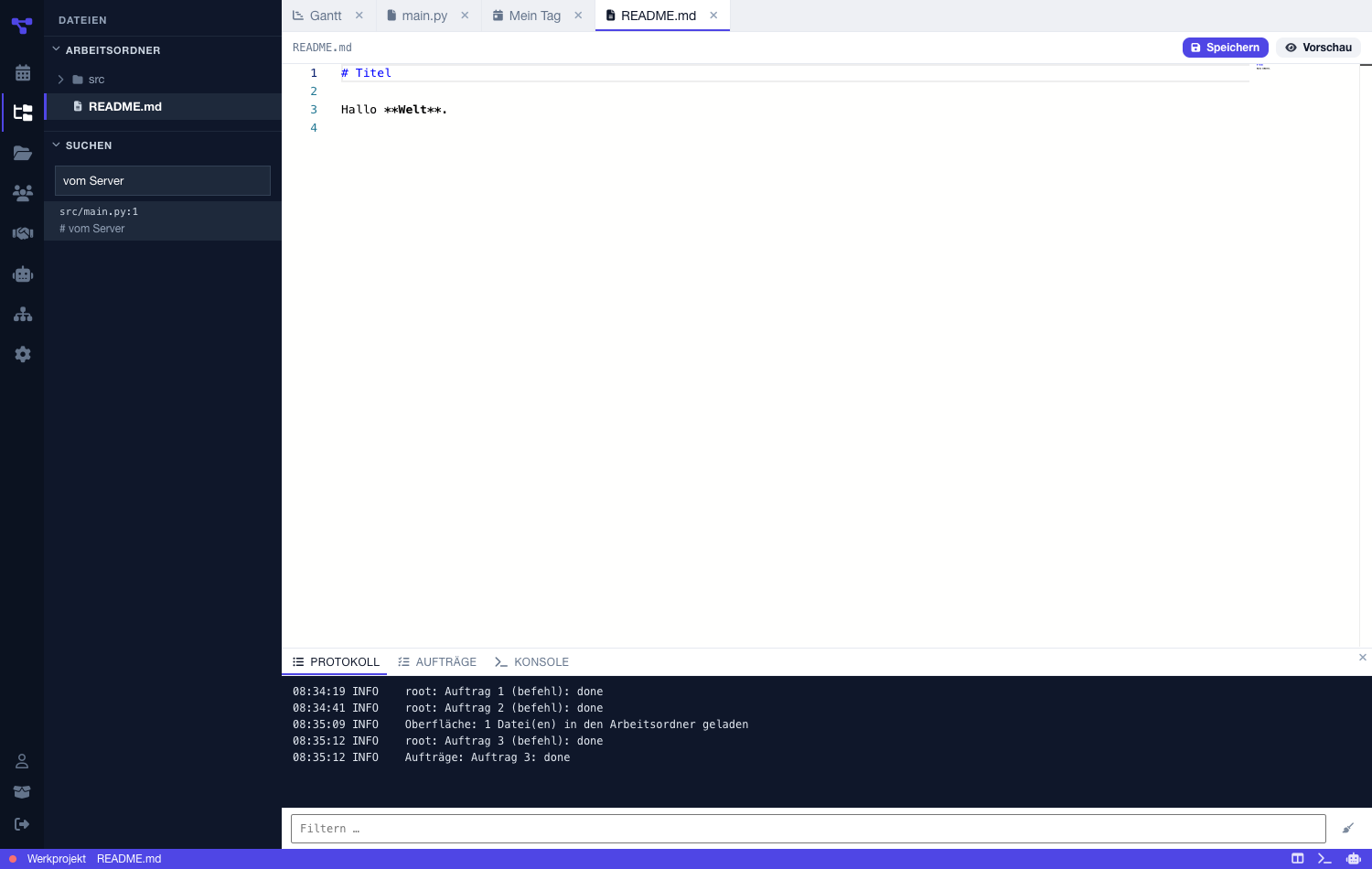
Files live with the project, not beside it. The explorer shows the folder as a tree, the editor is the one from VS Code – bundled, even without a network. Log and jobs run at the bottom, in the desktop app also the console.
Company, branches and departments form a tree – as branched as the real firm. A role is inherited downwards: administrator, manager or member. Work, freelance and personal remain separate areas in the same application.
Whoever leads a workspace posts work – in-house or as a freelance job. Everyone else bids, with price and reasoning; only management sees the bids. Knowledge tests show in the profile who can do what, and a listing can require a level.
Title, budget, effort, deadline – optionally with a project reference.
One bid per person, improving allowed. Nobody sees the others' bids.
Creates the task in the project, assigns it and gives the person access.
The assistant knows the project – tasks, slack, team, risks – and proposes changes but never applies them itself. The agent hub shows background jobs, your own agents and external ones that report in with a token.
Database, files and language model run on your machine or your infrastructure. An installation without connectors opens no outbound connection – that is a promise, not a default.
The same application; you choose where the data lives.
Create an account and get going at once. For teams that do not want to set anything up.
Start in the browserapp.minerva-platform.com
One account, no sign-in, all data in your user directory.
The app is not signed. macOS asks on first start: System Settings, Privacy & Security, “Open Anyway”. Windows: “More info”, “Run anyway”.
Docker is enough. The package brings the container images along and needs no internet to set up.
tar -xzf minerva-<version>.tar.gz cd minerva-<version> ./install.sh
Your own address with HTTPS, backup, updates: Guide.